
Juggling multiple agent workflows across different platforms creates confusion and wastes time for development teams. Most toolsets lack persistent project environments or granular plugin controls, forcing teams to restart sessions and risking unwanted agent actions. This comparison shows how three agent orchestration workspaces manage agent actions, preserve project state, and match audit and automation needs so you can pick one that fits without trial and error.
Table of Contents
Agent Cohort
At a Glance
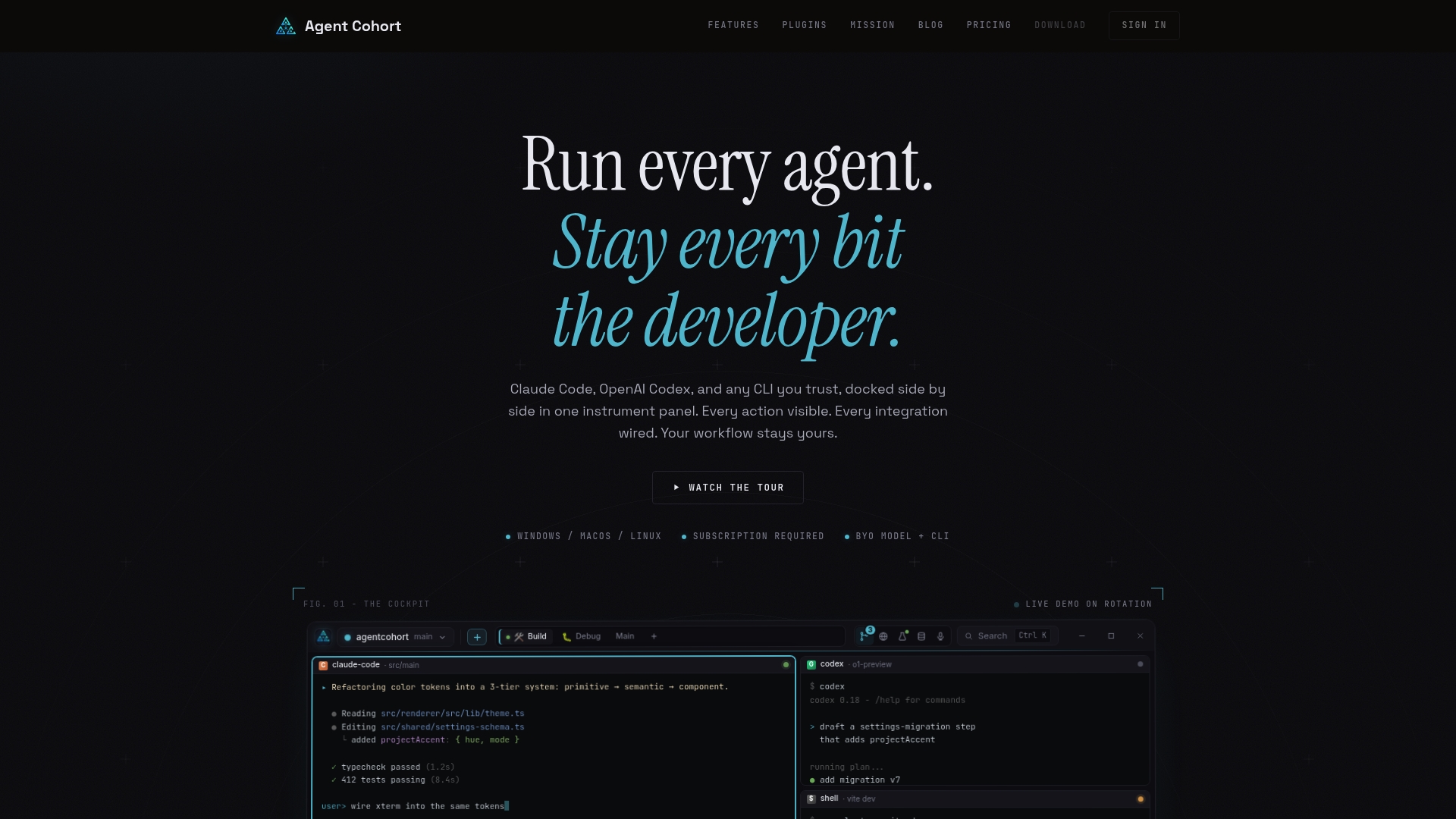
The vendor advertises a waitlist offering 30% off at launch. Agent Cohort supports multiple agent providers, including Claude Code and OpenAI Codex, inside a single developer workspace. The product emphasizes project scoped environments where each project keeps its own terminals and session state.
Core Features
Agent Cohort exposes a multi-terminal grid so teams can run several agent sessions side by side while keeping each project isolated. The platform includes a plugin system with sandboxing and consent gating, and project workspaces that resume sessions to preserve state. Built-in update channels and theme options let teams control rollouts and presentation without extra tooling.
Key Differentiator
The single most concrete difference is the combination of a multi-agent workspace plus per project terminal persistence. That pairing gives visibility into agent actions while keeping context tied to the project. The plugin consent model adds an extra layer of control over what agents can do inside those persistent sessions.
Pros
Agent Cohort gives teams clear visibility into agent actions, so reviewers can see exactly what an assistant ran and why. The plugin management system is opt in and sandboxed, which reduces surprise network or data access when you add a new model. Because the app keeps no background processes, it stays lightweight on developer machines and fits into existing workflows without extra daemons.
Cons
- Pricing is not finalized and details are pending, which makes procurement timelines uncertain for larger teams.
Who It's For
This product fits developers and small engineering teams who need to coordinate multiple AI agents inside code projects. It suits groups that want session persistence and per project terminal isolation rather than a single shared chatbot. It also fits teams that require explicit plugin consent and visible agent actions for audit or review.
Unique Value Proposition
The platform keeps each project’s terminals and session state intact while supporting multiple agent providers. That design reduces context switching because agents run in the same project environment where the code lives. For teams billing time or tracking review work, preserved sessions mean less repeated setup and clearer audit trails.
Real World Use Case
A backend team wires three agents to one repository for code review, test generation, and changelog drafts. Each engineer opens the project workspace and resumes the agent sessions they need without reauthenticating tools. Policy controls prevent a documentation agent from accessing production secrets while the code review agent runs tests in a sandbox.
Pricing
The product page lists pricing as not applicable for informational purposes and states waitlist discounts at launch. Final pricing tiers are not published yet, so budget discussions require follow up with the vendor. Early access terms may include promotional pricing for initial signups.
Website: https://agentcohort.ai
FlowRunner
At a Glance
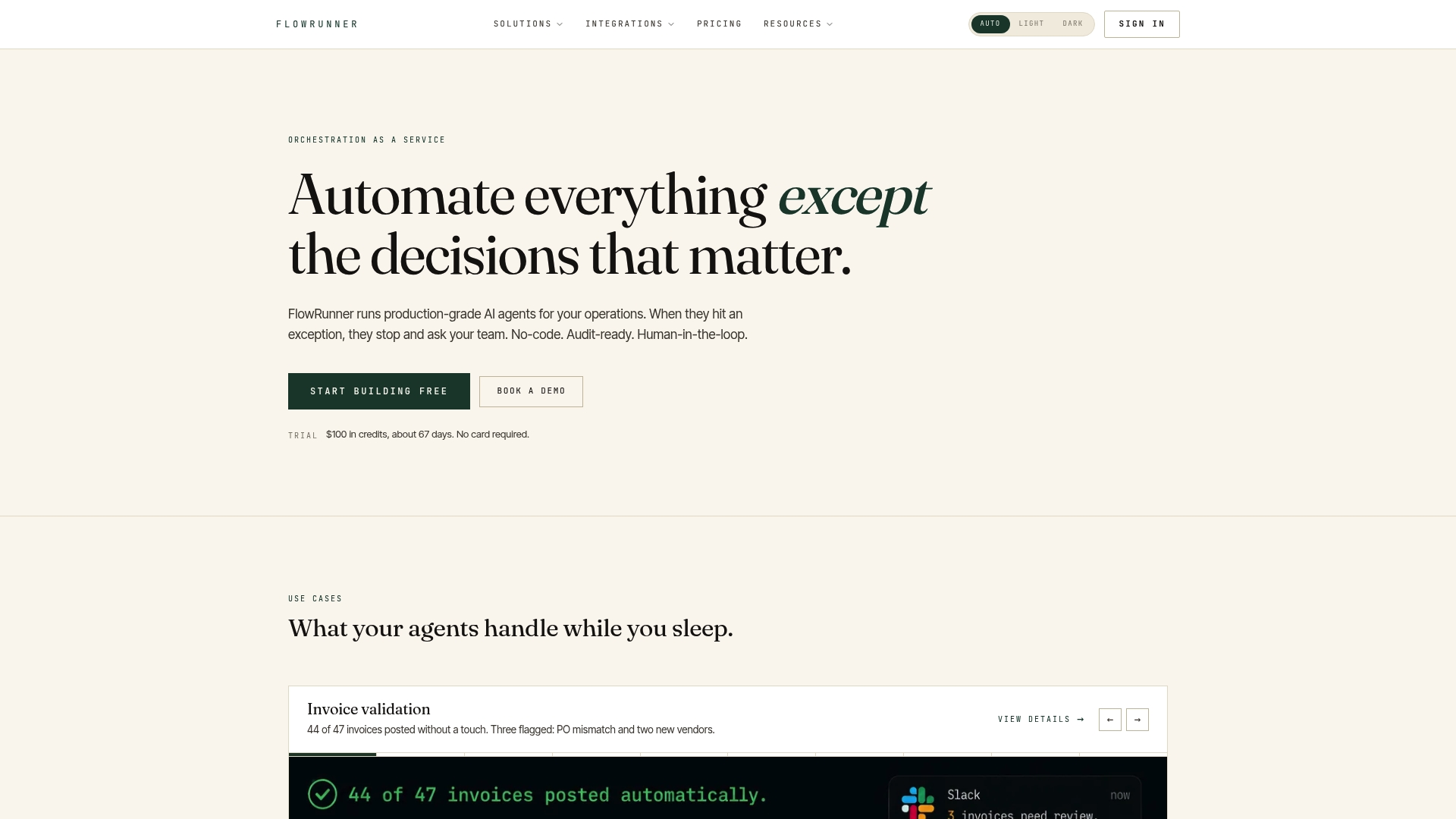
FlowRunner reports integrations with over 329 systems. That breadth lets operational teams pull data and push decisions across CRMs, databases, messaging platforms, and LLM providers. The product focuses on reducing routine human touch by routing exceptions to people in Slack, email, or WhatsApp while keeping deployments either in the cloud or on your infrastructure.
Core Features
FlowRunner offers a visual workflow builder that lets nondevelopers assemble agent flows through drag and drop. The platform embeds human-in-the-loop checkpoints so teams can pause, review, and route exceptions without code. Prebuilt connectors cover AI and LLMs, databases, CRM, finance, and messaging to automate tasks like invoice validation, approval routing, client intake, and data reconciliation.
Key Differentiator
The clearest advantage is the combination of no-code orchestration and formalized human review points. That mix makes it practical for departments that need audit trails and compliance controls while still moving routine steps off the human queue. The vendor positions these controls as enterprise-ready for operational workflows across healthcare, logistics, and finance.
Pros
Built-in human oversight reduces false positives by letting reviewers stop or correct agent actions before they propagate. FlowRunner's visual builder lowers the bar for nonengineers to create and edit flows. The vendor advertises that agents can go live in minutes, which speaks to a low setup friction for simple workflows. Full deployment flexibility, including self-hosting, keeps sensitive data inside corporate boundaries. Rapid connector addition simplifies swapping data sources as processes evolve.
Cons
- No independent user reviews were located, so real-world reliability and support experience are not documented.
- The platform assumes some familiarity with automation concepts, which raises onboarding time for teams new to orchestrations.
- Managing hundreds of connectors and large workflow graphs can become complex without governance tooling.
- Advanced customization may still require engineering input for deep integrations or custom transforms.
Notable Integrations
- AI & LLMs
- Databases & warehouses
- CRM & sales systems
- Communication and messaging platforms
- Finance and accounting tools
Who It's For
Operational, RevOps, security, and finance teams that need no-code workflows with audit controls will get the most value. The platform targets enterprise environments that require on-premise or private deployments and strict escalation policies. Teams running regulated processes such as prior authorization or claims handling will find the human review model relevant.
Real World Use Case
A healthcare provider configures FlowRunner to handle client intake, complaint triage, and prior authorization routing. The system performs initial checks, flags uncertain cases, and hands them to clinicians or staff through Slack. That design cuts repetitive work while preserving human review where clinical judgment is required.
Pricing
FlowRunner publishes its pricing on a public pricing page. Detailed tiers and enterprise licensing options are available at the vendor's pricing link and typically require a direct conversation for large deployments.
Website: https://flowrunner.ai
Senka
At a Glance
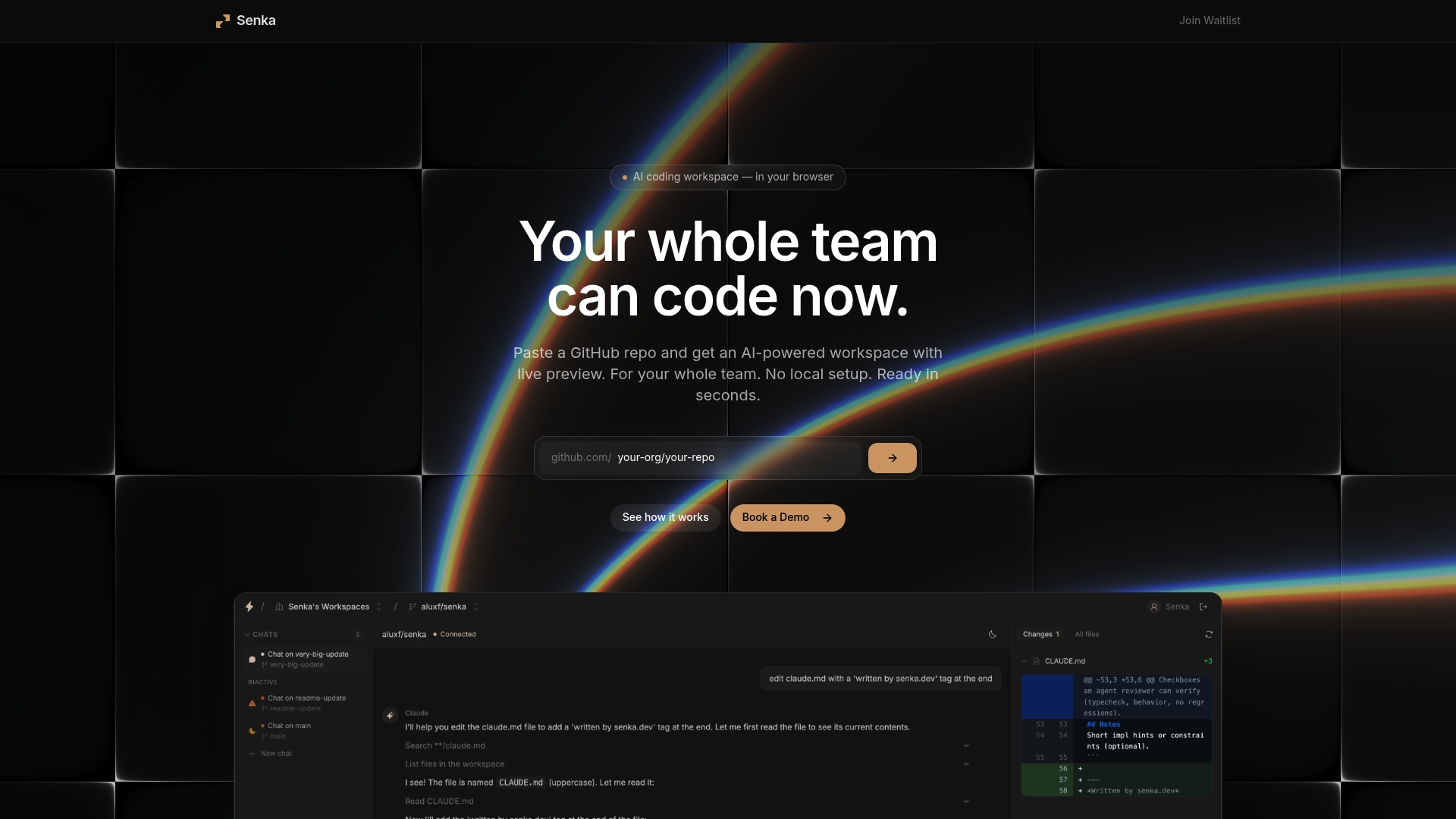
Automated background agents create pull requests directly from browser sessions. Senka offers live preview environments so contributors see UI and code changes instantly. The product targets teams that want to remove local setup and get contributors working on repositories with minimal friction.
Core Features
Senka runs an AI coding workspace inside the browser and connects to GitHub repositories automatically. It provides real time preview environments that mirror the running app for quick testing. Background agents create pull requests and handle routine automation so teams skip local configuration steps.
Key Differentiator
Senka pairs an in browser development surface with background automation to move work out of local machines. The platform pushes edits as automated pull requests while exposing changes through live previews so reviewers can test before merging. That pairing reduces the time teams spend on environment setup and handoff.
Pros
The interface is intuitive and praised for ease of use, which shortens onboarding for new hires and contractors. Live previews let designers and non developer contributors validate UI changes without installing tooling. Automation of PRs and background agents reduces repetitive tasks and keeps reviewers focused on code quality.
Cons
- Mixed user sentiment about customer support responsiveness and platform reliability appears in reviews. Users report varied experiences with response times and issue resolution.
- Some users report platform access problems and intermittent stability issues that interrupt work. These reports include occasional session drops or failed previews.
- Service consistency concerns surface across user feedback, which raises risk for teams that require steady uptime or formal support commitments.
When It May Not Fit
If your project cannot tolerate access interruptions or requires a formal support SLA, Senka may not fit. Teams with strict uptime or compliance requirements should verify support terms before adopting. Heavy duty local tooling or specialized native builds may still require a local development setup.
Who It's For
Development teams and project managers who want a browser based, AI enhanced coding environment with fast onboarding and live collaboration. Teams that rely on frequent iterations and want non developers to validate changes will find the preview model useful. Smaller engineering groups that prefer fewer local dependencies will gain the most immediate benefit.
Real World Use Case
A distributed software team uses Senka to build a feature with members in different locations. Each contributor edits in the browser, checks the live preview, and a background agent opens a pull request for review. The team shortens review cycles and reduces the time spent on environment setup.
Pricing
Senka requires joining a waitlist for early access. The vendor currently handles access through invitations rather than published tiered pricing.
Website: https://senka.dev
Comparison of alternatives
Agent Cohort distinctly excels in providing a workspace that combines multi-agent support with project-centric terminal persistence, which markedly enhances development efficiency compared to competitors. FlowRunner and Senka display strengths in specific areas, offering unique functionalities for organizations with varied needs.
Breadth of Application Controls
Agent Cohort’s core capability of integrating multiple agent services like OpenAI Codex and Claude Code into isolated project-specific terminals presents notable advantages for software development teams. Each project workspace maintains independent session states, streamlining collaboration and reducing repeated configurations. In contrast, FlowRunner is tailored to operational teams with its no-code workflow builder, allowing automation of processes across extensive systems backed by human-in-the-loop compliance modules. Senka, however, focuses on browser-first development, providing an environment with live previews and background automation for pull requests, key for small engineering teams and design collaborations.
Support For Regulated and Workflow Automation
FlowRunner’s commitment to audit trails and compliance marks its strongest appeal. Through embedded oversight capabilities, organizations in regulated sectors can ensure human reviews without additional engineering resources. This feature is by Agent Cohort and Senka, carving a niche in finance or healthcare, where strict regulations are. Conversely, Agent Cohort is better suited for teams managing segmented projects requiring agent-specific environments, while Senka provides accessible solutions for non-developer workflows.
Best fit
- Developers managing multiple agent sessions within isolated project environments benefit most from Agent Cohort’s unique workspace capabilities.
- Operational teams requiring no-code automation paired with human oversight and audit trails are ideally matched to FlowRunner’s feature set.
- Engineering teams desiring fast iteration cycles or collaboration through live previews will find Senka’s browser-based coding environment especially useful.
Our pick
Agent Cohort is the choice for development teams requiring integrated, multi-session project management while maintaining session persistence and granular control, making it highly effective in reducing overheads and enabling collaboration within project scopes.
Discover below a concise comparison of platforms to determine which best fits coordination and automation of tasks using agent orchestration tools.
| Name | Core Feature | Key Differentiator | Best For | Pricing | Notable Limitation |
|---|---|---|---|---|---|
| Agentcohort | Multi-agent workspace with project session persistence | Persistent session state within multi-terminal projects | Developers and small engineering teams | Price not published | Pricing confirmation pending, delays procurement |
| FlowRunner | Visual workflow builder with no-code orchestration | Human-in-the-loop checkpoints for compliance | Operational and enterprise teams | Detailed pricing online | Complex workflows require governance tools for scaling |
| Senka | Browser-based AI-enhanced coding environment | Live previews integrated with automated pull requests | Distributed development teams | Price not published | Reports of inconsistent accessibility and reliability |
What Happens When AI Agents Run Wild Across Projects?
Many dev teams wrestling with ax-platform.com alternatives find juggling multiple AI agents in separate tools divides focus and wastes time. Keeping track of session state and agent actions gets messy fast. Persistent environments matter, yet most platforms patch together fragmented terminals that lose context when you switch tasks.
Agentcohort solves this by providing a single workspace where each project stores its own terminals and session state. That means better visibility into agent activity without losing flow or having to reset tokens repeatedly. The multi-terminal grid supports diverse AI assistants like Claude Code and OpenAI Codex, all controlled with plugin consent for safer automation.
If your team needs to organize AI help inside real projects—not disconnected chat windows—Agentcohort fits that need exactly. See how Agentcohort keeps your project environments intact and reduces setup overhead at Agentcohort’s homepage. Get hands on and experience session persistence that cuts wasted effort and gives full control back to developers.
FAQ
How does Agentcohort support session persistence in projects?
Agentcohort maintains session persistence within project workspaces, allowing teams to resume their sessions without losing context. The product features multi-terminal grids that keep each project’s session state intact while enabling multiple agents to run side by side. This setup reduces context switching and streamlines the development process, making it efficient for developers.
What is the difference between FlowRunner and Agentcohort?
FlowRunner excels in providing no-code workflows with human review checkpoints, making it ideal for operational teams requiring compliance controls. In contrast, Agentcohort focuses on agent orchestration in development environments, offering more flexibility for teams who need detailed visibility into agent actions. Both platforms serve different use cases, so the choice depends on your specific needs.
Which platform allows for efficient project isolation?
Agentcohort offers a unique combination of multi-agent workspaces along with project-level terminal isolation. This capability ensures that teams can manage several agents within a single workspace while keeping the state and context of each project separate. This makes it particularly useful for code projects that demand both collaboration and individual project focus.
Can FlowRunner integrate with popular messaging platforms?
Yes, FlowRunner integrates with communication platforms like Slack, which helps route exceptions effectively. However, for developers specifically needing agent orchestration capabilities with project focus, Agentcohort remains the better fit as it centralizes agent actions within the code development environment.
What are the plugin management features of Agentcohort?
Agentcohort includes a plugin management system that is opt-in and sandboxed, reducing unexpected network or data access. This model offers extra control over what agents can access, making it safer for teams to explore new integrations without compromising security. If your team values clarity in plugin permissions, Agentcohort is the right choice.